Case studyJuklík · swimming school

When the box stops being enough. – A custom system for the Juklík swimming school
Juklík, a swimming school for babies and young children, grew into rules a one-size-fits-all product cannot cover without compromise. We built it a custom system – from analysis to operation.
- the start of a collaboration that is still going
- 2024
- course terms a year, planned in the system
- 3
- lessons per course, generated from one template
- 12–15
01About the client
A swimming school with rules of its own
Juklík runs a swimming school for babies and young children at several pools in Prague, plus aqua aerobics lessons. Courses run in three terms a year and typically have 12 to 15 lessons. Most customers carry on into the next term.
Behind every term there are groups by level and age, transfers between courses, instructor schedules, make-ups for missed lessons and payments. These rules are what make running a swimming school more than a simple booking calendar.
- Several poolslessons take place at several venues in Prague
- 3 terms a yearJanuary–March, April–June, September–December
- 2 lesson typesbaby and toddler swimming, aqua aerobics
Point at a term or select it:
- July–August: outside the course terms
A course runs within one term, typically has 12–15 lessons and is paid for in one go.
02Starting point
Why the box stopped being enough
For years, Juklík used the off-the-shelf solution Auksys. As the school grew, it ran into rules that a one-size-fits-all product cannot cover without compromise.
A one-size-fits-all product has to suit many businesses at once. Juklík needed a system that matches its own rules exactly – above all for transfers between courses:
- Main reasonRule 01
Transfers between courses
People move between courses, and every transfer follows Juklík’s own rules. Transfers were the main reason Juklík went looking for a custom system.
- Rule 02
Make-ups and advance make-ups
A make-up lesson is only earned with a timely excuse. An advance make-up can be used up front – before the person misses a lesson.
- Rule 03
Groups by level and age
Children are grouped by level and by their “swimming course age”, which the administrator sets by hand for each term.
- Rule 04
A queue for freed-up places
A place on a full lesson is waited for in a queue of watchdogs. Whoever set up their watchdog first is higher in the queue.
- Rule 05
Schedules, shifts and invoicing
Its own rules for lesson schedules, instructor shifts and the basis for invoicing them.
03Brief
What the new system had to do
Before the first line of code, we wrote down with the client what the system has to do – from the point of view of the people who use it every day.
A parent books a make-up lesson on their own – no phone call to reception.
for: parentsA whole course for a term comes from one template, lessons included.
for: adminA freed-up place on a full lesson automatically goes to the first person entitled to it.
for: parentsA parent manages their persons, orders and attendance in one place.
for: parentsInstructors have their shifts and invoicing basis right in the system.
for: instructorsEvery message to customers – e-mail, SMS or news post – can be traced back.
for: admin
04How we went about it
Rules first, code second
A custom system depends on its rules being named first. That is why we started with analysis, not programming.
- Step 01
Analysis and specification
Workshops with the client and writing down operating rules that had never been described anywhere.
- Step 02
UX design in Figma
Screens approved by the client before any programming.
- Step 03
Iterative development
Delivery in working increments. The client tests along the way.
- Step 04
Meetings and minutes
Every request has minutes and a ticket – nothing gets lost.
- Step 05
Operation and growth
The system keeps adapting to how the school really runs.
From design to finished screen
Screens are designed in Figma first and the client approves them. Programming follows the approved design – changing a design is much faster and cheaper than changing finished code.
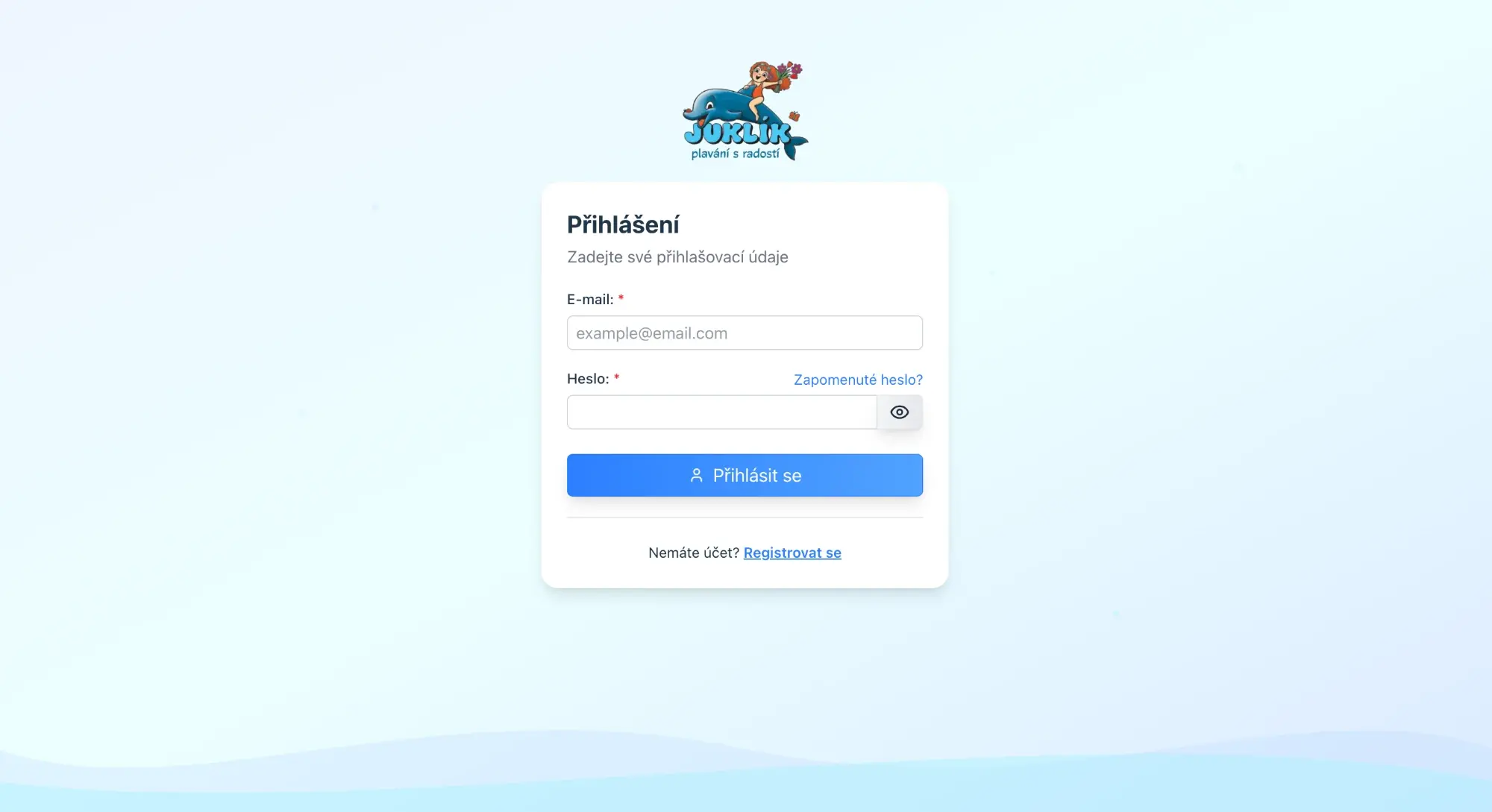
Use the slider to compare the design with the finished app. On the left is an illustrative wireframe, on the right the real login screen.
More on how we design UX and UI.
05Solution
What the system does
This is not a handful of forms. The system covers the whole school – from planning courses to the basis for instructor invoices. Point at a module to see what it works with.
Courses, terms and lessons
A course as a template from which the system generates the actual lessons for the whole term.
Calendar and make-ups
Excuses, make-ups and advance make-ups by Juklík’s rules. Parents see what they have available.
Watchdog
A queue for a freed-up place with automatic booking and SMS.
Customer account
Parents manage their persons, orders and attendance themselves.
Orders and payments
Order states and a payment gateway configurable for each pool.
Order states: ReservedApprovedCancelledDeletedInstructors and shifts
Shift planning, time records and the basis for invoicing.
Communication
System e-mails, SMS, news posts and FAQ – all logged.
Schedules and print reports
PDF timetables generated from the venue’s opening hours.
06Feature in depth
The watchdog: when a lesson is full
The lesson is full and a child would like to join it as a make-up. Without the system, all you can do is keep refreshing the page and hope a place opens up.
The parent sets up a watchdog on the lesson. There can be several people interested; the queue is ordered by when each watchdog was set up. When a place opens up in time, the system books the first person in the queue who is entitled to it and sends an SMS. After the time limit, it only notifies that a place is free.
The lesson is full
Capacity is taken, a make-up cannot be booked.
The parent sets up a watchdog
The person joins the queue. The order is set by when the watchdog was created.
A place opens up in time
The system books the first person in the queue who is entitled to it and sends an SMS.
After the time limit
The system no longer books anyone. It only notifies that a place is free.
3/5
How parents see their position
“3/5” means the person is third in a queue of five. That is exactly how the app shows it.
Try it yourself
Monday 4:30 pm · Advanced
Pool A · term 2026-3
Taken 10/10Full
Watchdog queue
- 1.Emaset up 2. 9. 18:04waiting
- 2.Jonášset up 2. 9. 20:31waiting
- 3.Annayouset up 3. 9. 07:12waiting
- 4.Matyášset up 3. 9. 12:45waiting
- 5.Sofieset up 4. 9. 09:20waiting
Illustrative example with made-up data.
07Benefits
A school that runs by its own rules
Juklík’s rules are now enforced by the system. Parents, the office and instructors all work in one place.
Make-ups without phone calls
Parents enter excuses and make-ups themselves in their customer account. The office handles them in the system.
Full is not final
The watchdog fills a freed-up place with the first entitled person and sends them an SMS.
Terms prepared in advance
Courses come from templates and the system generates the lessons for the whole term itself.
Shifts in one place
Instructors have their shifts, time records and invoicing basis in the system.
08Technology and collaboration
How the collaboration works
For technical reviewers: how we run development, how operation works and what the system is built on.
Running development
Every request has its own ticket and minutes – nothing gets lost. In regular meetings we go through what is done and what comes next.
We deliver in working increments and the client tests them along the way. More on how we develop in an agile way and what our project management looks like.
Operation and growth
The system is live. We keep developing it based on feedback from daily operation – the collaboration did not end at hand-over.
Technology
A custom web application, designed around the rules of one specific business.
Frequently asked questions
Is your system hitting its limits?
Let’s talk about where your current solution falls short and whether a custom system makes sense for you. The consultation is free of obligation.
Or call or write to us directly